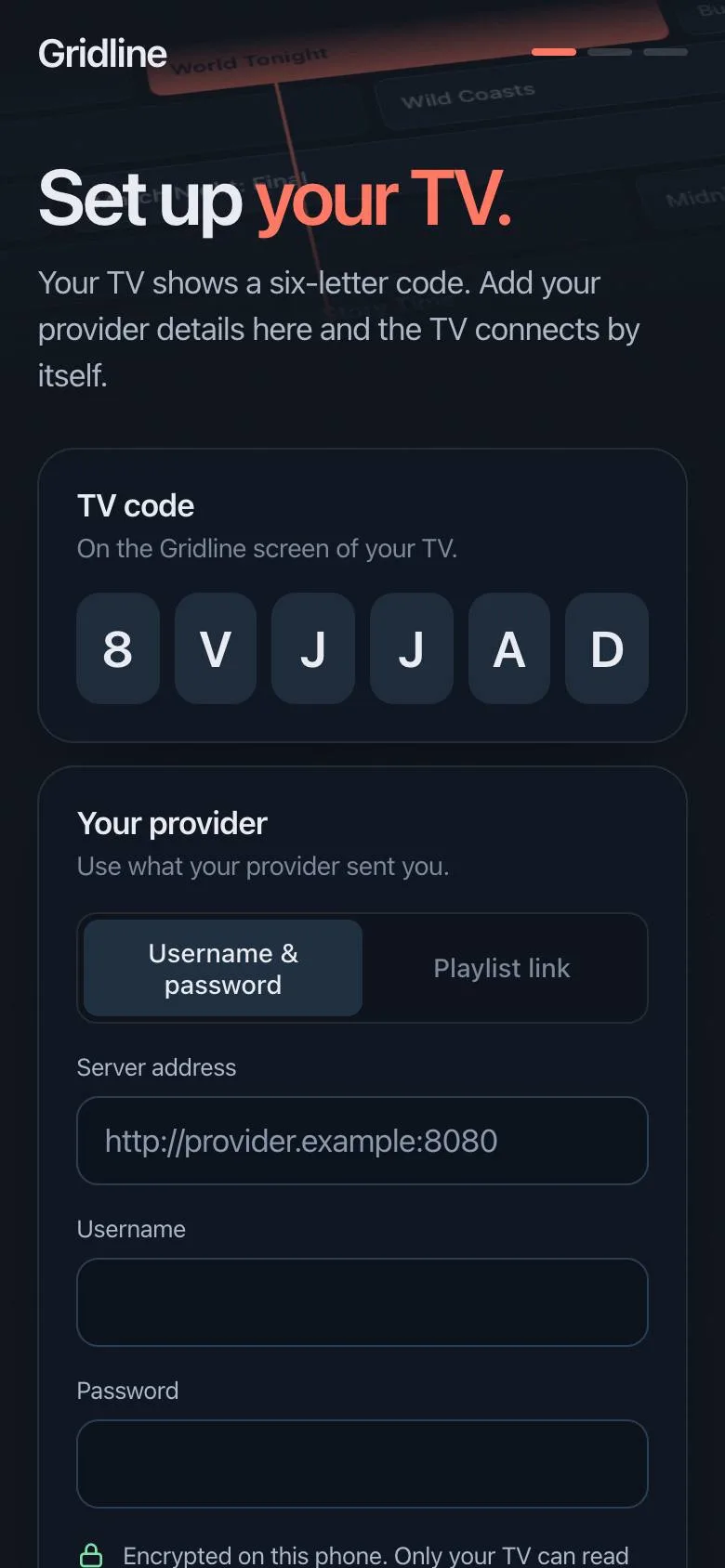
How do I get Gridline on my TV?
Gridline is in testing on LG TVs and isn't in the LG Content Store yet. When it is listed, you'll install it from the store on your TV, open it, and it shows the code you enter here.
Does Gridline include channels?
No. Gridline is a player. It plays the playlist you already have from your own provider. We don't sell, provide or recommend channels or content.
Which TVs does it work on?
LG smart TVs from 2018 on (webOS 4 and newer), older models included. Try it free for a week on your own TV before you pay.
Does every provider have replay?
No. Replay (catch-up) is something your provider keeps on its side, usually for up to seven days, and not every provider offers it. When yours does, Gridline plays it from the guide. Gridline supports the common replay formats; if your provider offers no replay, live TV, the guide and movies still work.
Is my provider login safe?
It's encrypted on your phone with a key only your TV holds. Our server passes it along and deletes it as soon as your TV has it.
How do I cancel?
From your account, any time. Your TVs keep working until the end of the time you paid for.